
You wake up, grab your phone, and something feels… off.
The battery that usually lasts until dinner is already at 40% by noon. An app you don’t recognize is sitting on your home screen. Your data plan is nearly exhausted, but you’ve barely used it. And last night, a friend asked why you sent them a strange message at 3 a.m. when you were fast asleep.
These aren’t random tech glitches. They’re the silent alarms of a mobile phone that may have been hacked.
Here’s the unsettling truth: your smartphone is a goldmine for cybercriminals. It holds your banking credentials, private messages, photos, emails, and access to every account you own. And the attacks are escalating. In the first half of 2025 alone, Kaspersky recorded 29% more attacks on Android users compared to the same period in 2024. Zscaler’s ThreatLabz report revealed a 67% year-over-year increase in Android malware, with 239 malicious apps downloaded over 42 million times from the official Google Play store. Meanwhile, Verizon’s 2025 Mobile Security Index found that 85% of organizations are experiencing increasing mobile attacks.
The question isn’t if your phone could be hacked—it’s when you’ll notice. This guide will show you exactly how to tell if your mobile phone is compromised and, more importantly, how to recover it step by step.
The Warning Signs: How to Know If Your Mobile Phone Is Hacked
A hacked phone rarely announces itself with a flashing red alert. Instead, it leaks small, often overlooked symptoms. One symptom alone like a hot phone or a sluggish app might be nothing. But when several appear together, suddenly, that’s your signal to act.
Battery Drain and Overheating
If your battery is draining significantly faster than usual even when you’re not actively using the phone malware or spyware could be running constantly in the background, consuming power to send your data to remote servers. The same goes for overheating. If your phone feels warm when idle or charging, something unauthorized may be working overtime.
Unexplained Data Usage Spikes
Spyware needs to transmit the information it collects your location, messages, call logs, and even audio recordings to the attacker. This creates unusual data consumption. Check your data usage settings and look for apps you rarely use that are suddenly at the top of the list.
Unfamiliar Apps and Strange Behavior
Apps you don’t remember installing, settings that changed on their own, pop ups that won’t stop, or your phone making calls and sending texts without you these are all red flags. Stalkerware apps often disguise themselves with generic, system sounding names like “System Service” or “Device Health” to avoid detection.
Account Anomalies
Getting logged out of accounts unexpectedly, receiving password-reset emails you didn’t request, or friends reporting strange messages from your number are strong indicators of a compromise. If you stop receiving two-factor authentication codes, a SIM swap attack may be in progress—where a hacker convinces your carrier to transfer your number to their device.
Strange Sounds During Calls
If you hear a high pitched hum, pulsating static, clicking, or beeping during phone calls, someone could have set up call-forwarding without your permission or installed call-recording malware.
Beyond the Basics: What a Hack Really Costs You
Phone hacking isn’t just a technical nuisance it has real, often devastating consequences:
- Financial loss: Hackers can access banking apps, drain accounts, make fraudulent purchases, or subscribe to premium services without your consent.
- Identity theft: Stolen personal information social security numbers, passwords, photos can be used to open new accounts or commit crimes in your name.
- Privacy invasion: Through spyware, an attacker can turn on your camera and microphone to secretly record you, track your location in real-time, and read all your private messages.
- Emotional and reputational damage: A criminal can impersonate you, spread misinformation, or damage your relationships.
How to Recover a Hacked Mobile Phone: An 8 Step Action Plan
If you suspect your mobile phone has been hacked, act fast but don’t panic. Follow these steps in order.
Step 1: Disconnect from the Internet Immediately
Cutting all connections limits the hacker’s ability to remotely control your phone or transfer data. Turn on Airplane Mode this disables both Wi-Fi and mobile data at once. On iPhone, swipe down from the top right and tap the airplane icon. On Android, swipe down from the top and tap the airplane icon. Keep your phone offline until you’ve completed the recovery steps.
Step 2: Run a Malware Scan
Download a trusted security app from your phone’s official app store (Google Play or Apple App Store) and run a full system scan. For Samsung users, you can also use the built-in App Protection: go to Settings → Security and privacy → App security → App protection → Scan phone.
Step 3: Remove Suspicious Apps and Profiles
Go through your installed apps and delete anything you don’t recognize especially apps with generic or random-letter names. On Android, boot into Safe Mode first (which disables third-party apps) to identify and remove problematic apps. On iPhone, check for unfamiliar configuration profiles under Settings → General → VPN & Device Management.
Step 4: Change All Your Passwords
Starting with your email account (the “master key” to everything else), change passwords for all critical accounts: banking, social media, cloud storage, and any app that contains personal information. Create unique, strong passwords aim for 12 to 15 characters. Do not use the compromised phone to do this use a trusted computer or another device.
Step 5: Enable Two-Factor Authentication (2FA) Everywhere
Turn on 2FA for all accounts that support it. Use an authenticator app (like Google Authenticator or Authy) rather than SMS-based 2FA, as SMS codes can be intercepted in SIM swap attacks.
Step 6: Review and Revoke App Permissions
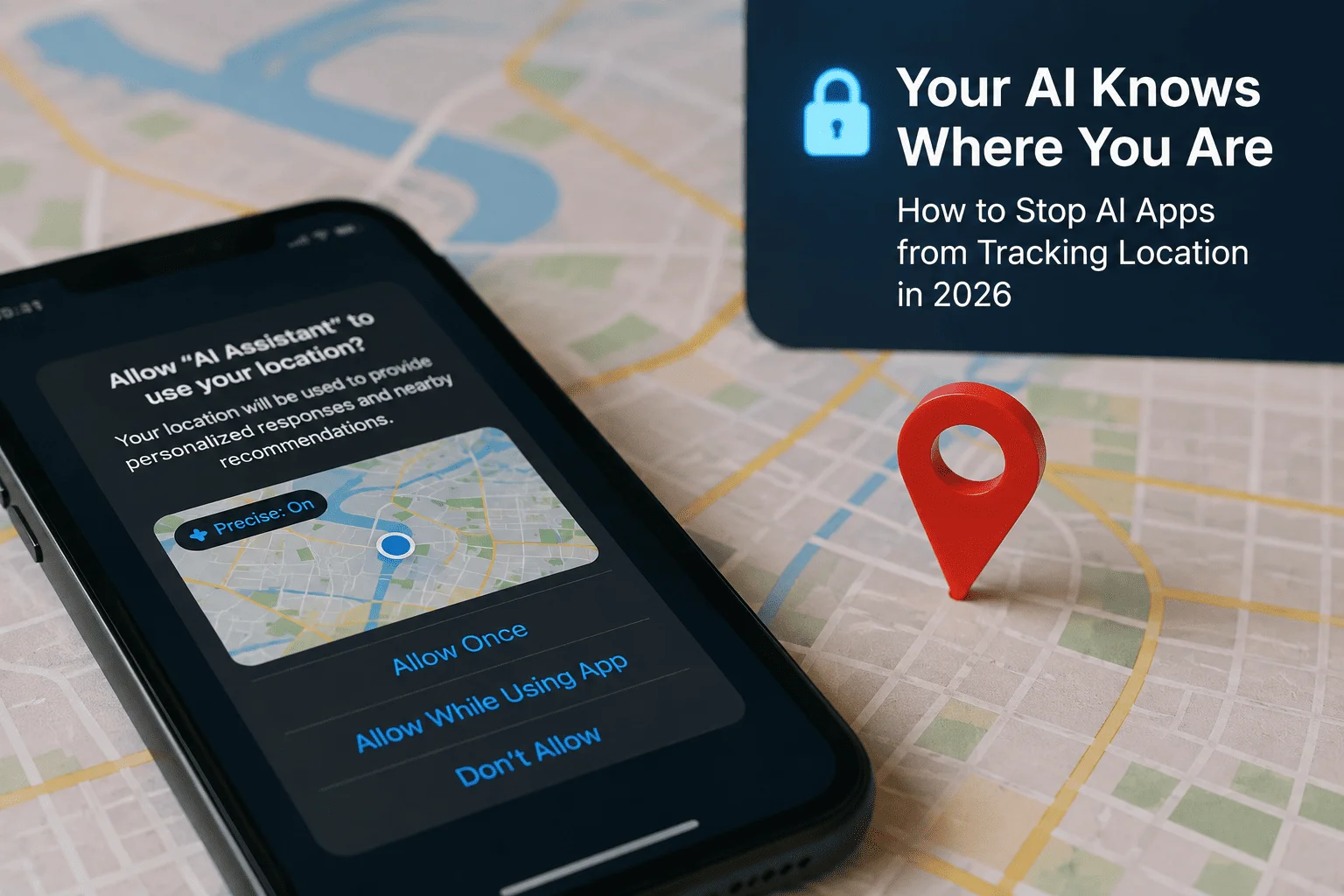
Audit which apps have access to your camera, microphone, location, and contacts. Revoke any permissions that don’t make sense for the app’s function. For example, a flashlight app does not need access to your contacts or location.
Step 7: Perform a Factory Reset
If the problem persists after the above steps, a factory reset is your nuclear option. Back up only your essential files photos, contacts, documents to a secure cloud account or computer. Then perform a factory reset: on Android, go to Settings → System → Reset options → Erase all data. On iPhone, go to Settings → General → Transfer or Reset iPhone → Erase All Content and Settings.
⚠️ Important: A factory reset removes most malware, but if the malware has root-level access (compromised the system partition), reinstalling the firmware may be necessary. If you’re still experiencing issues after a factory reset, contact your device manufacturer or a professional security expert.
Step 8: Contact Relevant Authorities and Institutions
If sensitive accounts were compromised especially banking or identity-related contact your bank, credit card companies, and service providers immediately. Report the hack to your local law enforcement or cybercrime unit. In the U.S., you can report identity theft at IdentityTheft.gov.
How to Protect Your Mobile Phone From Future Hacks
Recovery is only half the battle. Here’s how to lock down your mobile phone for good:
The Essential Security Checklist
- Use biometrics + a strong passcode: A six-digit PIN (or longer) plus Face ID or fingerprint.
- Turn on automatic updates: Most hacks exploit known vulnerabilities that already have patches.
- Only install from official app stores: Sideloading APKs or tapping “trust this developer” is how most real-world malware gets in.
- Be cautious on public Wi-Fi: Avoid logging into sensitive accounts on open networks, or use a reputable VPN.
- Enable auto-blocker features: Samsung users can enable Auto Blocker under Settings → Security and privacy.
- For iPhone users: Consider enabling Lockdown Mode (Settings → Privacy & Security → Lockdown Mode) if you’re at higher risk of targeted spyware. The FBI has confirmed this feature effectively blocks data extraction.
- For Android users: Ensure Google Play Protect is active it continuously scans your apps for harmful behavior.
- Restart your phone regularly: The NSA recommends powering off your phone at least once a week.
Final Thoughts: Your Phone, Your Control
Your smartphone is the most personal device you own and that makes it the most valuable target for attackers. But here’s the good news: most “my phone got hacked” stories don’t start with a sophisticated attacker. They start with a reused password, an app installed from outside the official store, or a screen left unlocked.
The same boring basics that cause these problems also fix them. Stay vigilant, act quickly if you spot warning signs, and lock down your settings before an attack happens.
What’s Your Experience?
Have you ever suspected your phone was hacked? What warning signs did you notice, and how did you handle it? Share your story in the comments below your experience might help someone else recognize the signs before it’s too late.
🔒 Stay safe. Stay informed. And remember: your digital security starts with you.
Did you find this guide helpful? Subscribe to our newsletter for weekly cybersecurity tips, or share this article with someone who needs to read it.