

We’ve been told the same mantra for years: Create a strong password. Use uppercase, lowercase, numbers, and symbols. Change it every 90 days. Yet despite following these rules religiously, millions of people experience account compromises every year. Why? Because strong passwords alone are no longer your first line of defense in an era of sophisticated cyberattacks and if you care about your security and privacy, you need to understand why.
Here’s the uncomfortable truth: your password’s complexity is irrelevant if it’s been stolen in a data breach. And breaches happen constantly. According to Verizon’s 2024 Data Breach Investigations Report, compromised credentials are the leading cause of data breaches across industries. That shiny 24 character password you crafted? It might already be floating around on the dark web, waiting for a hacker to use it against you.
This is where multi-factor authentication (MFA) enters the story not as a nice to have feature, but as a non-negotiable layer of protection. While everyone obsesses over password strength, the real security wins come from requiring a second or third factor to access your accounts. Let’s explore why this shift in thinking could fundamentally change how you protect yourself online.
Strong Passwords Alone: A False Sense of Security
Even Fort Knox-style passwords can’t withstand modern threats.
The belief that strong passwords is complete protection was valid about 15 years ago. Today, it’s outdated. Here’s why:
Cyber attackers have moved beyond brute-force password guessing. They don’t try to crack your password anymore they buy it. Data breaches now happen at scale. When millions of usernames and passwords are stolen, hackers gain access to pre-cracked credentials they didn’t have to work for. A 2023 CISA report found that 60% of successful attacks exploited compromised credentials.
Consider this: even if your password for Gmail is Hy$B7nQk#2vXpL9m, it becomes worthless the moment LinkedIn is breached and your password is exposed. If you’ve reused that password anywhere and statistics suggest many do, attackers have a key that opens multiple doors.
The reuse problem compounds the vulnerability. Password managers have helped, but behavioral reality is messier people still reuse passwords across services, leaving them exposed the moment one breach occurs.
A strong password protects against one threat: direct guessing attacks. But when credentials are stolen wholesale, strength becomes irrelevant.
Enter Multi-Factor Authentication: The Game-Changer
When one factor isn’t enough, add another.
MFA operates on a simple but powerful principle: even if someone has your password, they can’t access your account without a second form of verification. This second factor typically falls into one of three categories:
Another password, security question
Phone, authenticator app, security key
Fingerprint, facial recognition
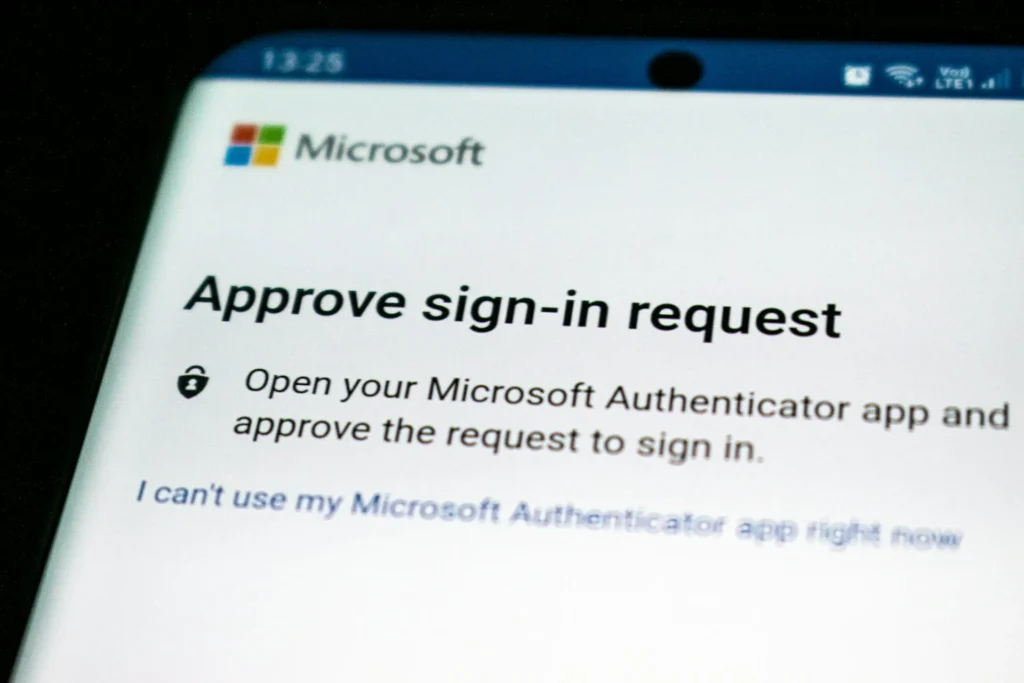
The most common and effective implementations combine your password with something you have usually your phone. This creates a scenario where a hacker needs not only your credentials but also physical possession of your device or access to your authenticator app to break in.
Let’s look at the practical impact: Microsoft’s research shows that MFA stops 99.9% of automated attacks. Not 90%. Not 95%. Ninety-nine point nine percent. This single statistic should reshape how you think about privacy and security in your digital life.
Why is the difference so dramatic? Because most attacks are automated. Hackers run scripts that attempt login after login, checking stolen credentials against services. An MFA requirement makes this process impractical at scale they need your actual phone or app to proceed, which they don’t have.
The Real-World Impact: MFA in Action
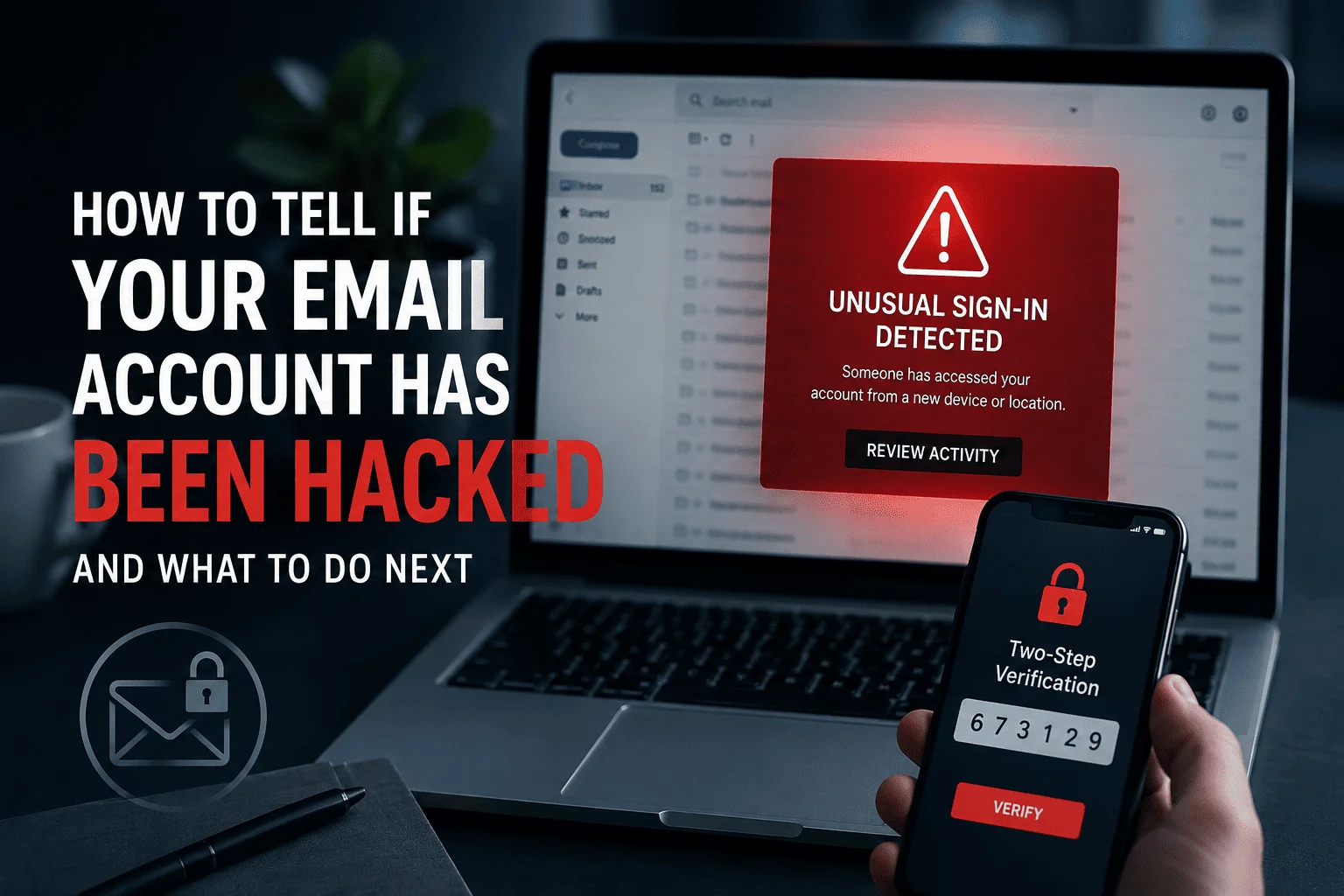
Let’s ground this in reality. Imagine your email password is exposed in a breach tomorrow. Without MFA, an attacker can immediately access your inbox, reset passwords to your bank account, cryptocurrency exchange, and tax preparation service, and potentially lock you out of your own accounts.
With MFA enabled? That same attacker gets your password and hits a wall. They attempt to log in, but a notification pops up on your phone asking to approve the login. They have no way to approve it without your phone. They’re stuck.
Real breaches demonstrate this principle constantly. When the 2024 MGM Resorts breach occurred, attackers gained credentials but couldn’t penetrate fully protected systems with MFA enabled. The accounts with MFA were inaccessible; the ones without were compromised.
Why Passwords Will Never Be Enough
The technological landscape has shifted. Attackers operate at a different scale than they did a decade ago. They’re not breaking passwords they’re harvesting them through:
- Database breaches
- Phishing attacks
- Social engineering
- Credential stuffing
A password’s strength is irrelevant in most of these scenarios. The password itself isn’t the problem; the single factor is. Adding a second factor addresses this fundamental vulnerability by requiring attackers to compromise something different your phone, your biometrics, or a hardware key they don’t possess.
No matter how complex your password is, it can’t protect you from threats that don’t involve guessing it.
Implementation: Getting Started With MFA
The friction excuse doesn’t hold anymore. MFA is fast, accessible, and built into every major platform.
Start here:
- Enable MFA on email accounts first (Gmail, Outlook, Yahoo) these are the keys to resetting all other passwords
- Secure financial accounts next (banking, crypto, investment apps)
- Extend to social media and work accounts
Use an authenticator app like Google Authenticator, Microsoft Authenticator, or Authy these are more reliable than SMS and free.
For your most critical accounts, consider a hardware security key like a YubiKey. Yes, it’s a small upfront cost (~$30-50), but for accounts managing money or sensitive data, it’s the highest level of protection available.
FAQ: Your MFA Questions Answered
Q: What if I lose my phone will I be locked out of my accounts?
A: Most services provide backup codes when you enable MFA. Write these down and store them securely. Additionally, you can typically use SMS as a fallback or recover through security questions.
Q: Is MFA really necessary for every account?
A: Prioritize: email > financial > social/work. Not every account needs it, but your email and banking definitely do. Your email is the master key to resetting passwords elsewhere.
Q: Is SMS MFA safe enough?
A: Better than nothing, but not ideal. SIM swapping attacks can intercept SMS. Apps or hardware keys are stronger, but SMS is acceptable for most everyday accounts.
Q: Does MFA slow down my workflow?
A: Once set up, it adds 5-10 seconds per login. Most of us lose more time to compromised accounts than we’d spend on MFA.
We’ve spent decades optimizing passwords while ignoring the reality that passwords alone don’t work anymore. The goalposts of cybersecurity have moved, but the advice hasn’t caught up.
Stop treating passwords as your primary security measure. They’re necessary but insufficient. MFA is the upgrade your security posture desperately needs. It’s not flashy. It doesn’t require a computer science degree. But it stops 99.9% of automated attacks and transforms your accounts from low-hanging fruit into targets too expensive for attackers to pursue.
Your privacy and security deserve better than password strength alone. Enable MFA today your future self will thank you when your accounts remain intact after the next major breach.
What’s Your MFA Setup?
Are you using MFA on your critical accounts? What pushed you to finally enable it, or what’s holding you back? Drop your thoughts in the comments below. I read every response and love hearing from readers about what actually works in their digital lives.
Keep Learning About Digital Security
Stay safe. Stay informed. And remember: your digital security starts with you.
Did you find this guide helpful? Subscribe to our newsletter for weekly cybersecurity tips, or share this article with someone who needs to read it.



Pingback: How Safe Is Your Wi‑Fi? The Security Gaps Most People Overlook