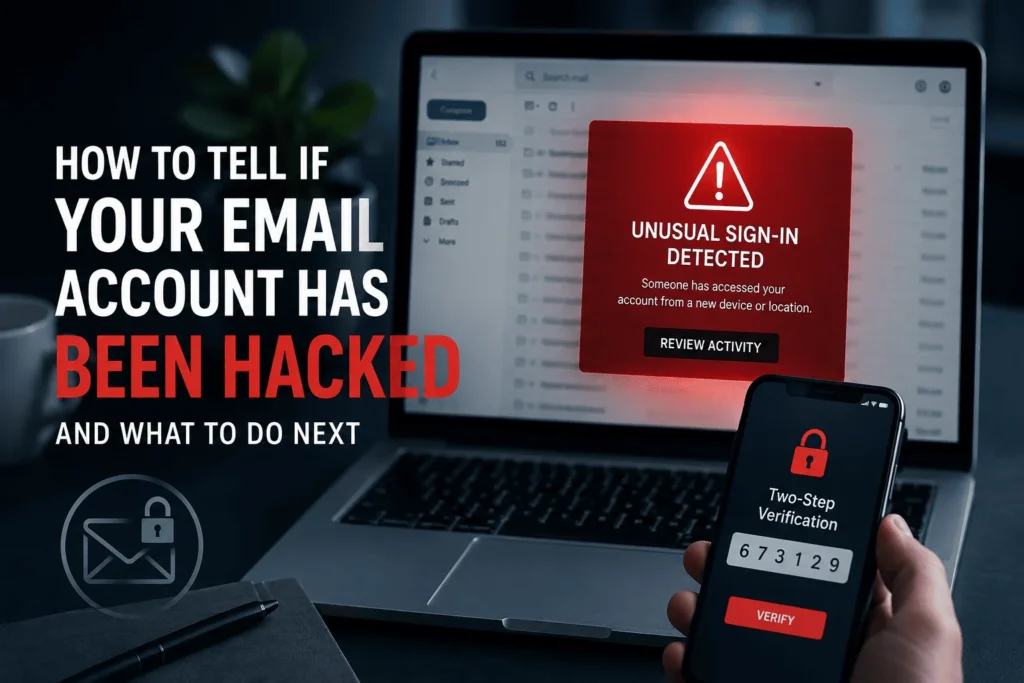

A hacked email rarely announces itself loudly look for small things like sent messages you didn’t write, login alerts from unknown devices, or missing mail.
Attackers increasingly change your password, 2FA, and recovery info the moment they get in, so a normal password reset may not save you.
The fastest way to confirm a breach is to check your account’s active sessions and forwarding rules directly, not just wait for a warning email.
It usually starts with something small. A friend texts you asking why you sent them a weird link. Or you open your inbox and there’s a “sent” email sitting there that you never wrote. That little jolt of wait, did I do that? is what security and privacy conversations rarely capture well the feeling is subtle, not dramatic, and that’s exactly what makes email hacking so easy to miss for days or even weeks.
Email is the master key to your digital life. It’s connected to your bank, your social accounts, your cloud storage, and every “forgot password” link you’ve ever clicked. So when someone else gets into it, the damage doesn’t stay contained to your inbox. Here’s how to actually tell if it’s happened to you, based on what’s changed in how attackers operate this year.
Key takeaway: Not every weird notification means you’ve been hacked but a cluster of small anomalies happening together usually does.
Some signs are obvious. Others are quiet enough that people explain them away for weeks. Watch for:
- Login alerts from unfamiliar devices or locations. Most major providers flag new sign-ins automatically. An iPad login from a city you’ve never visited isn’t a glitch it’s a live signal worth acting on immediately.
- Sent or Outbox messages you don’t recognize. Attackers often use a hijacked inbox to send malicious links or fraudulent messages to your contacts, sometimes impersonating you convincingly enough that friends fall for it.
- New forwarding rules or filters you didn’t create. This is one of the sneakiest moves — a hidden rule can quietly copy every incoming email to an attacker’s address, or delete evidence from your Sent folder so you never notice.
- A password that suddenly stops working. If you’re confident your password is correct and it’s rejected anyway, someone may have already changed it.
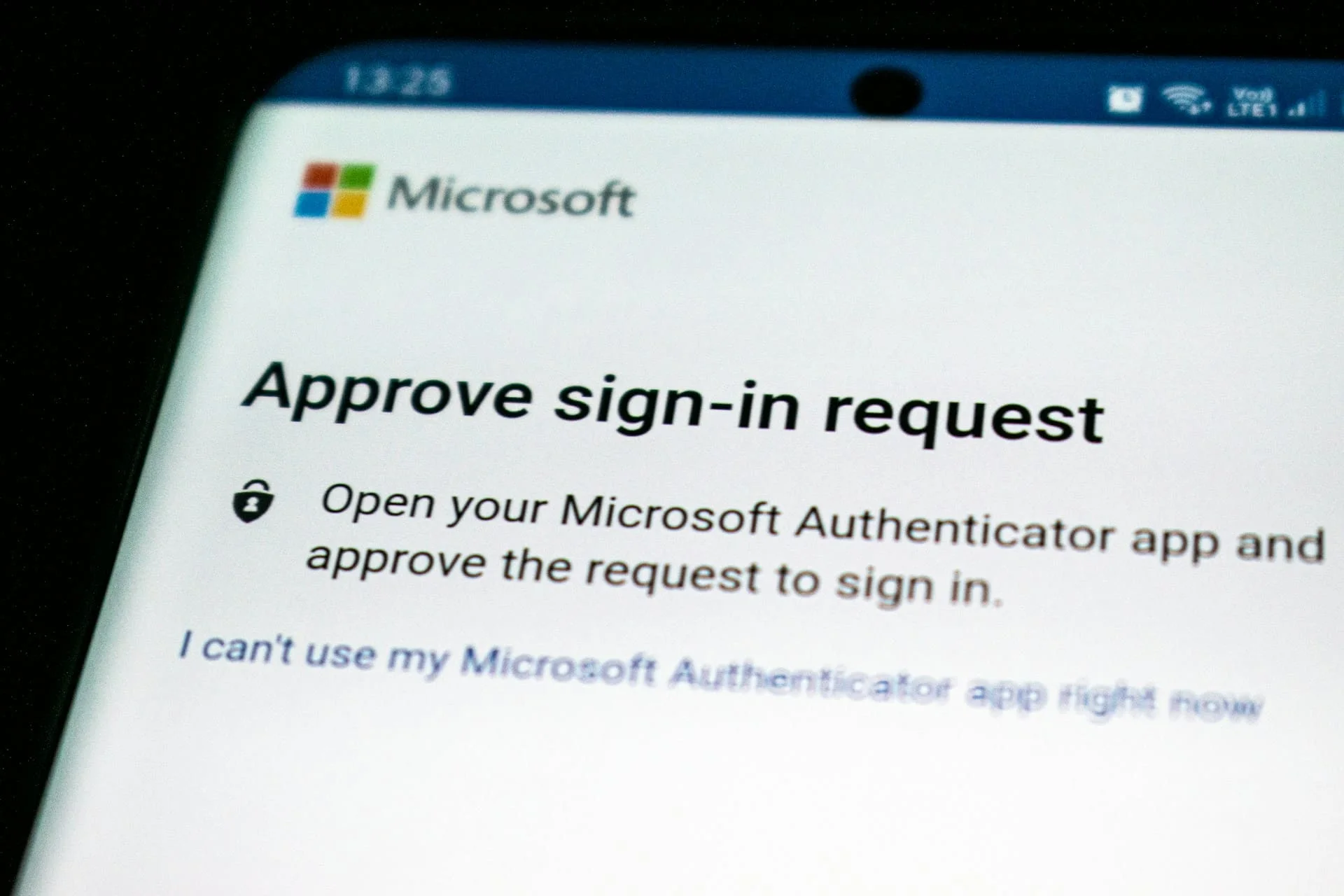
- MFA codes arriving when you’re not logging in. This means someone already has your password and is trying to get past the second layer. Deny the request and change your password right away.
- Password-reset emails for accounts you didn’t touch. Since so many services trust your inbox to verify identity, attackers use a compromised email to reset passwords elsewhere, turning one breach into several.
Normal Weirdness vs. Real Compromise
Key takeaway: Context is everything a single odd notification is usually nothing, but the combination below is what separates paranoia from an actual breach.
Don’t wait for another alert go check your account’s security settings yourself, because attackers now disable those alerts as one of their first moves.
Once something feels off, don’t just sit with the anxiety. Go look:
- Check active sessions and devices. Google, Microsoft 365, Apple, and most major platforms show every currently logged-in device. A session you don’t recognize confirms the problem instantly.
- Review forwarding and filter rules. This is the step most people skip, and it’s often where the actual evidence lives.
- Run your address through a breach checker. Have I Been Pawned will tell you if your email has surfaced in a known data breach, which is often how the initial password got stolen in the first place.
- Look at connected third-party apps. Old apps and browser extensions with inbox access are a common, overlooked entry point.
It’s worth noting that attackers have gotten more aggressive about locking owners out entirely, changing the password, 2FA method, and recovery details all at once. According to LastPass’s 2026 breakdown, this makes a standard password reset ineffective in a growing share of cases, which is exactly why checking sessions and rules directly rather than waiting for a reset email to work matters so much right now.
If You Confirm It, Move Fast
The moment you’re sure, prioritize in this order: reset the password from a device you trust, revoke every active session, remove unfamiliar forwarding rules and third-party app access, and turn on multi-factor authentication if it wasn’t already on. Then check whichever accounts use that email for recovery banking and social media first since a hacked inbox is often just the launchpad for the next breach.
Frequently Asked Questions
How quickly do hackers act after breaking into an email?
Often within minutes to hours. Many now automate the process of changing passwords, recovery info, and 2FA the moment they gain access, so speed matters more than it used to.
Can my email be hacked even with a strong password?
Yes. Reused passwords from other breached sites, phishing pages that capture your login directly, and malware on your device can all bypass password strength entirely.
Is a single spam looking email from my own address proof I’ve been hacked?
Not necessarily. That’s frequently email spoofing, where the sender address is faked without any actual account access. A real compromise usually shows up alongside other signs, like session or rule changes.
What’s the single most reliable way to check?
Look at your account’s active sessions or devices list directly in the platform’s security settings, rather than relying on notification emails, which attackers can sometimes suppress.
Email security isn’t a one time fix it’s a habit, the same way checking your bank statement is. If any of this felt a little too familiar, take five minutes today to check your active sessions and forwarding rules before you close this tab. And if you’ve caught a hack in progress, we’d genuinely love to hear how — drop it in the comments, it helps the next reader spot theirs faster too.